Calibrite

3 products

Shop Calibrite monitor calibration tools at Excellent Photo, your camera store in Montreal. This page brings together colorimeters and ColorChecker targets that help photographers and videographers keep colour consistent from the camera to the screen.

3 products

  • Calibrite

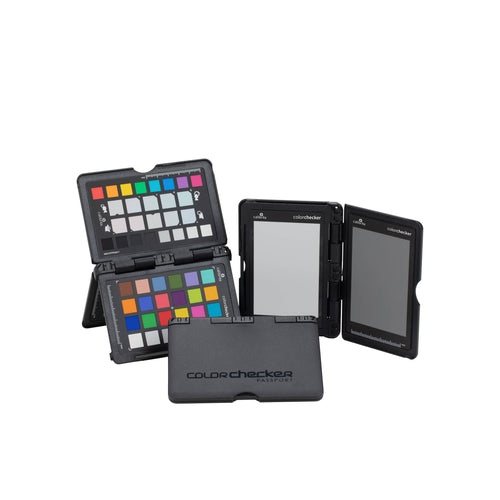
    Calibrite ColorChecker Passport Photo 2

    Key specs

    • Targets 18% gray, ColorChecker Classic 24-patch, white balance, creative enhancement
    • Software Camera Calibration v1.2
    • Profiling DNG and ICC
    • Lightroom plug-in Available
    • Compatible with Lightroom, Photoshop, CaptureOne, Canon DPP
    • Dimensions 125 x 90 mm
    • Case Hard, pocket-size, integrated stand
    $196.99
    Sold out
    View product
  • Calibrite

    Calibrite ColorChecker Passport Video

    Key specs

    • Targets 4 color and camera calibration targets
    • Included targets Color chips, white balance, grayscale, focus
    • Size 125 x 90 mm passport format
    • Case Ruggedized pocket-sized hard case
    • Software Works with all major editing software
    $224.99
    Sold out
    View product
  • Calibrite

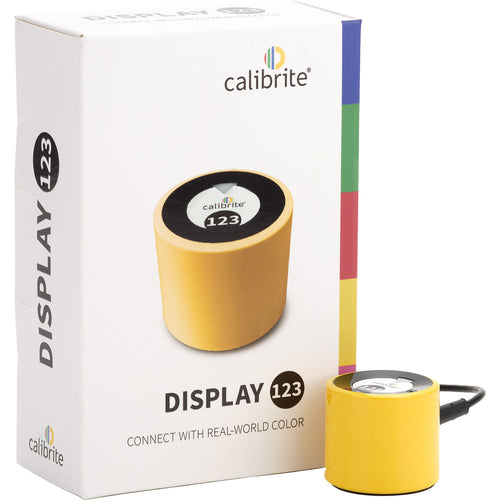
    Calibrite Display 123 Colorimeter

    Key specs

    • Device type Colorimeter for monitor calibration
    • Connection 1 x USB-C
    • Power USB powered
    • Brightness modes Native or Photo
    • Dimensions 1.5 x 1.3" / 37 x 34 mm
    • Weight 4.94 oz / 0.14 kg
    $185.99
    Sold out
    View product

Choosing a Calibrite tool

Start with what you want to fix. If your screen looks too warm, too cool or different from a print, a colorimeter measures the display and lets you calibrate it. If you want accurate colour at the moment of capture, a reference target photographed in your scene gives you a neutral starting point when editing.

Before buying, check the product page for the software and system requirements that apply to your computer and workflow.

Calibrite at Excellent Photo

Calibrite is the only brand on this page, and we carry its tools for people who care about colour, from hobbyists printing at home to working professionals. If you are unsure which one suits your setup, visit us at 5387 Park Avenue in Montreal and ask our team.

Frequently asked questions

How do I calibrate my monitor?

A colorimeter such as the Display 123 reads your screen's colour and brightness, and its software adjusts the display to a known standard.

What is a colorimeter?

It is a small device placed on your screen that measures the colours displayed so they can be corrected.

What is a ColorChecker Passport used for?

It is a reference target you photograph in your scene, so you can set accurate and consistent colour when editing photos or video.

Should I choose the Photo or the Video version?

Choose Passport Photo 2 if you mainly shoot stills, and Passport Video if you work with footage. Check each product page for details.

Recently viewed