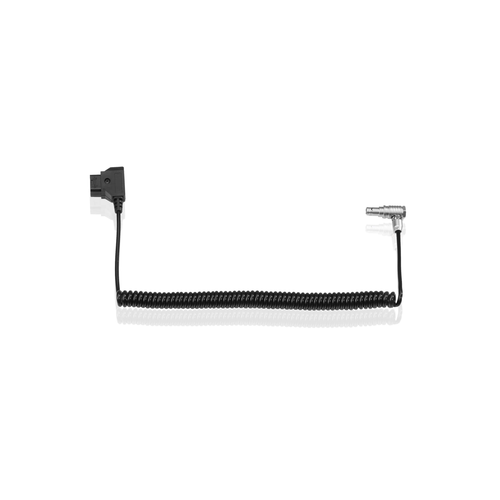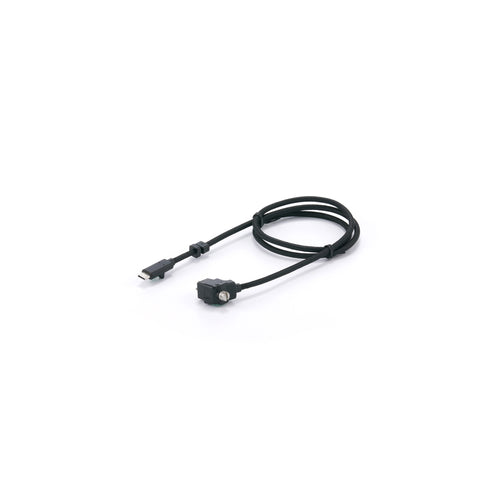
Tilta ES-T09-MEC Monitor Extension Cable for DJI Ronin 4D
Key specs
- Compatibility DJI Ronin 4D monitor
- Cable length 35 in (89 cm)
- Connection Secured by cable screw
- Materials Copper, stainless steel
- Weight 0.22 lbs
- Dimensions 5 x 4.5 x 3 in
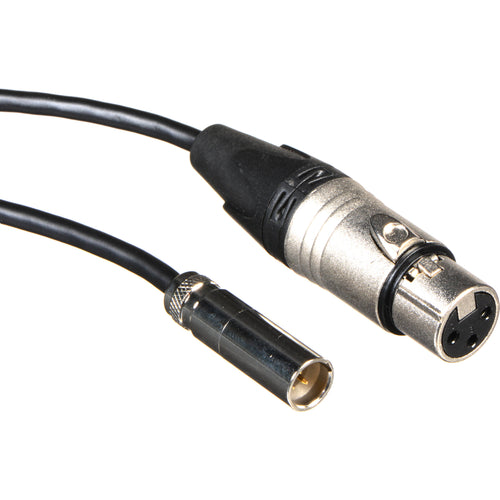
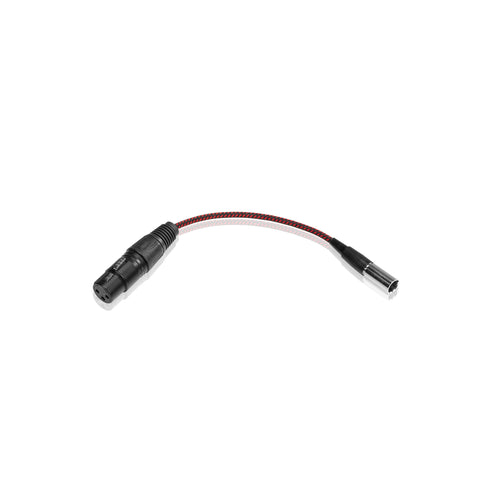
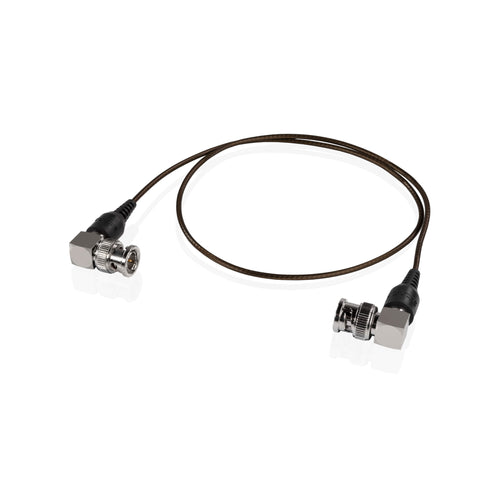
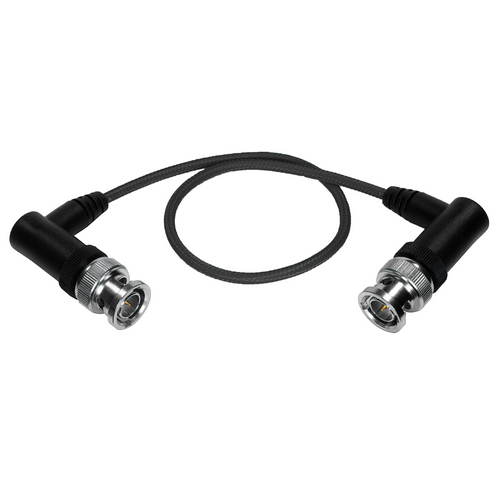
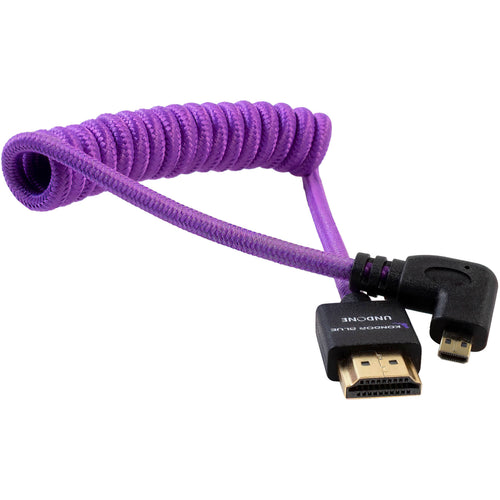
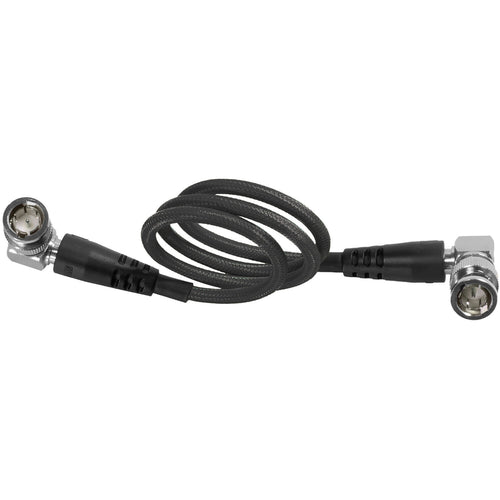
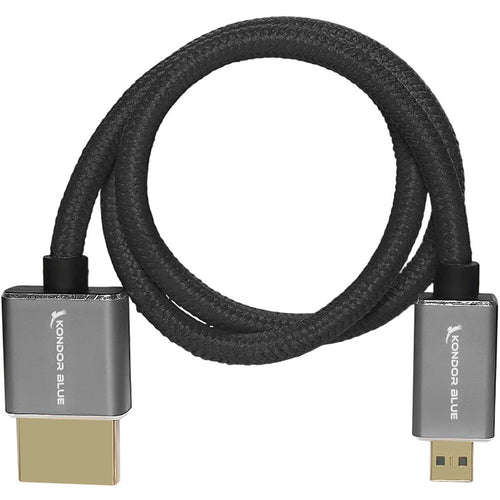
Looking for a camera cable? This page gathers video cables and adapters for cameras, monitors, recorders and transmitters: HDMI in full, mini and micro sizes, SDI with BNC connectors, D-Tap power cables, XLR audio leads and fibre-optic HDMI systems. Many are short, braided or coiled so they stay tidy on a rig.
Key specs
Key specs
Save $10.47
Key specs
Save $6.87
Key specs
Key specs
Save $4.47
Key specs
Save $5.63
Key specs
Save $16.99
Key specs
Key specs
Key specs
Key specs
Key specs
Key specs
Key specs
Key specs
Key specs
Key specs
Key specs
Key specs
Key specs
Key specs
Key specs
Key specs
Key specs
Start with the ports on your gear. Check whether your camera has full, mini or micro HDMI, or an SDI output, and match the other end to your monitor, recorder or transmitter. If you are unsure which connector your model uses, check its specifications before ordering.
Browse Kondor Blue for HDMI, SDI and fibre cables, Shape for power, BNC and XLR cables, Tilta for camera-specific cables like the Monitor Extension Cable for DJI Ronin 4D, and Blackmagic Design. For more connectors, see our Cables & Adapters and Audio Cables & Adapters pages.
Check the video output on your camera (HDMI size or SDI) and the input on the monitor, then choose a cable with matching ends.
It carries the picture from a camera to a monitor, recorder or transmitter, usually over HDMI or SDI.
Action cameras often use micro or mini HDMI. Check your model's port, then look at the mini and micro HDMI cables above.
HDMI is common on consumer and mirrorless cameras; SDI uses locking BNC connectors and suits longer runs on professional gear.